



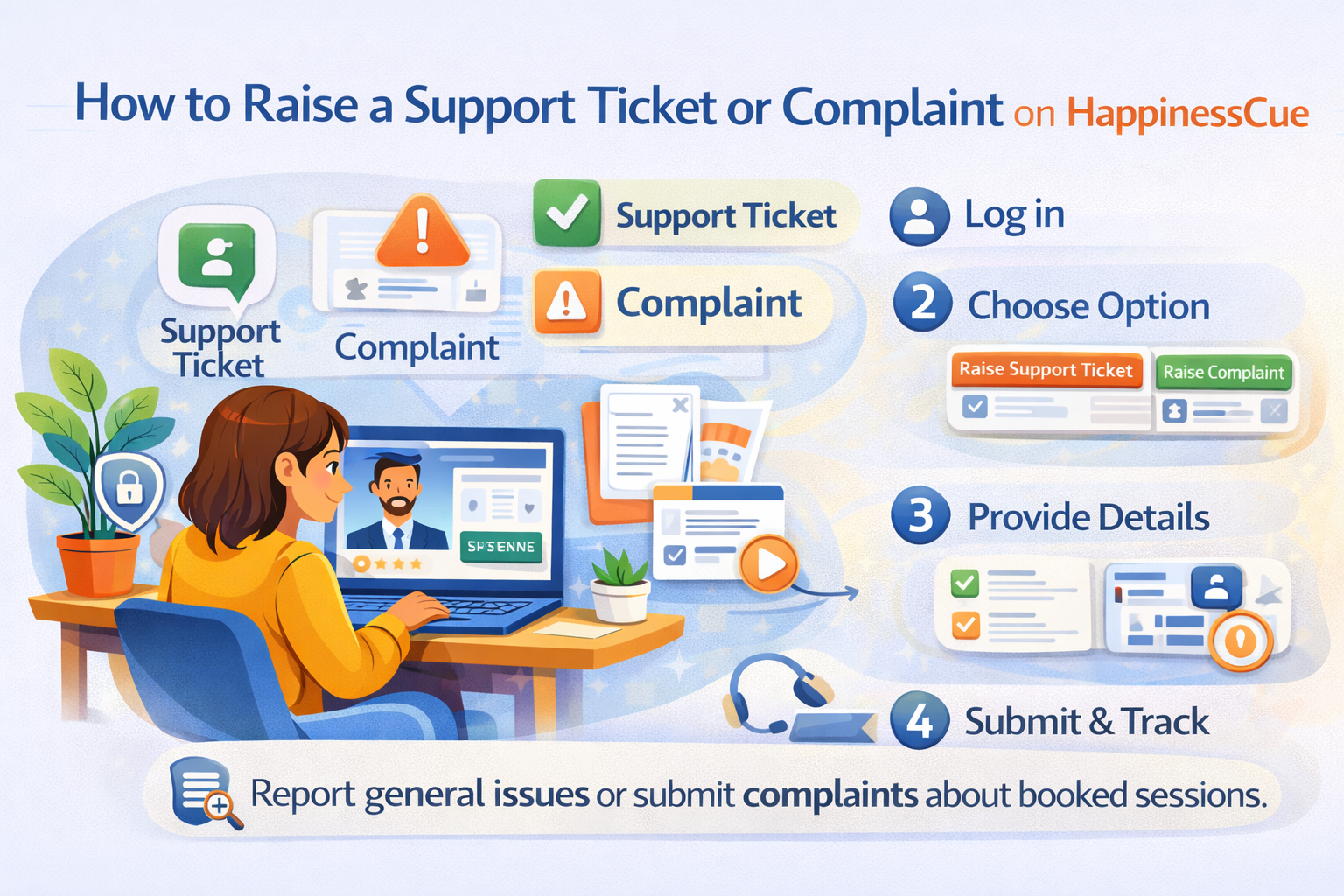
How to Raise a Support Ticket or Complaint on HappinessCue
Getting Help on HappinessCue
HappinessCue provides a structured support system to help Clients resolve issues efficiently and fairly.
If you encounter any problem while using the platform, you can seek assistance by raising a Support Ticket or submitting a Complaint.
Understanding the difference between these two options helps ensure that your request is handled quickly and directed to the right team.
Support Ticket vs Complaint – Understanding the Difference
Although both options are used to seek help, they serve different purposes.
Support Ticket
A Support Ticket is used for general platform assistance or technical issues.
You should raise a Support Ticket for situations such as:
- Login or account access problems
- Payment failures or transaction errors
- Difficulty navigating the platform
- Issues joining a scheduled session
- Questions about bookings, payments, or platform features
Support Tickets help the team resolve technical or operational issues related to the platform.
Complaint
A Complaint is used to report an issue related to a specific booked session.
Complaints can only be submitted against a confirmed booking for which payment has been completed.
When raising a Complaint, it must be linked to the relevant session details or booking ID.
Complaints may cover concerns related to areas such as:
- The session experience
- Interaction with the Expert
- Scheduling or session-related issues
- Payment or booking concerns related to that session
Because complaints involve a specific session record, they may require additional review before resolution.
Step 1: Log in to Your Account
To raise a support request, first log in to your HappinessCue account.
Once logged in:
- Go to your Dashboard
- Open the Help / Support section
This section allows you to create requests and track their progress.
Step 2: Choose the Appropriate Option
Inside the Help / Support section, you will see options to:
- Raise a Support Ticket
- Raise a Complaint
Select the option that best matches your situation.
If you choose to raise a Complaint, you will need to select the specific booking or session for which the complaint is being submitted.
This ensures that the issue is linked to the correct session record.
Step 3: Provide Complete Details
When submitting a request, providing clear and accurate information helps the support team investigate the issue faster.
You may be asked to include:
- Booking ID or session reference (for complaints)
- Description of the issue
- Date and time when the issue occurred
- Any relevant details that can help explain the situation
Detailed information helps speed up the review process.
Step 4: Submit and Track Your Request
Once the request is submitted:
- Your Support Ticket or Complaint will be registered in the system
- You can track its status from the Help / Support section
Updates may also be shared through:
- Dashboard notifications
- Email alerts
You may also be contacted if additional information is required.
What Happens After You Submit a Complaint?
When a Complaint is submitted, the platform may conduct a review process that includes:
- Checking the session and booking records
- Reviewing relevant platform data
- Requesting clarification from the involved parties if necessary
Because complaints relate to specific paid sessions, the review process may involve multiple checks before a final resolution is provided.
Resolution timelines may vary depending on the complexity of the issue.
Important Things to Know
Before submitting a request, keep the following points in mind:
- Complaints can only be raised for confirmed bookings where payment has been completed
- Complaints must be linked to a specific session or booking ID
- Providing accurate details helps speed up resolution
- Misuse of the complaint system may lead to restrictions
- All requests are reviewed according to platform policies
These guidelines help maintain fairness and transparency for both Clients and Experts.
Common Questions
Can I raise a complaint without booking a session?
No. Complaints can only be submitted against a confirmed session booking where payment has been completed.
When should I raise a Support Ticket instead of a Complaint?
Use a Support Ticket for general platform help, technical issues, or booking-related questions.
How can I track my request?
You can track the status of your request from the Help / Support section in your dashboard.
Will the support team contact me for more information?
Yes. If required, the team may request additional details to complete the review.
Need Further Assistance?
If you still need help:
- Use the Search option in the Support section to explore related help articles
- Respond promptly if the support team requests more information
- Contact the HappinessCue support team through the platform’s Help system