



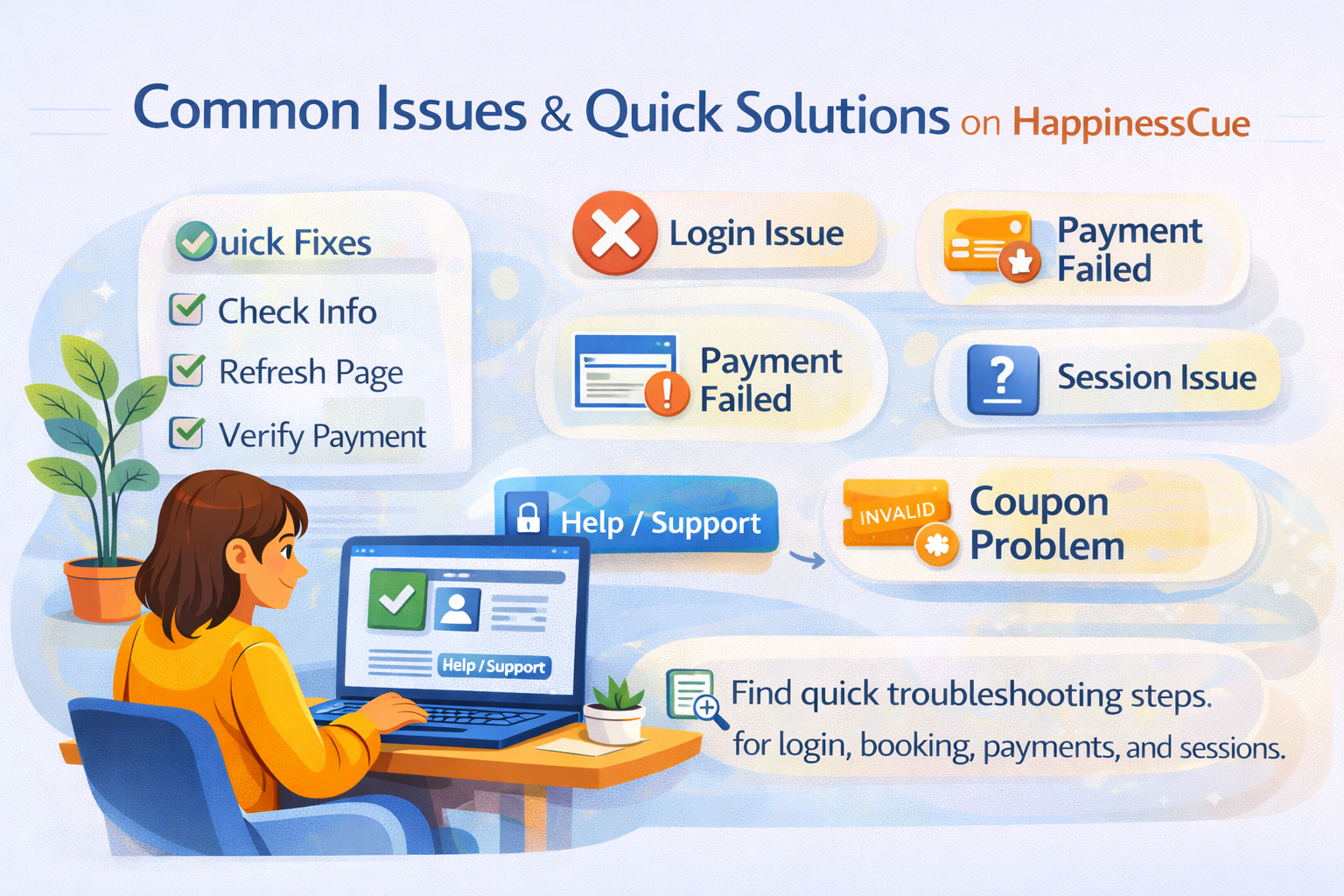
Common Issues & Quick Solutions on HappinessCue
Quick Help for Common Platform Issues
While using HappinessCue, most processes such as booking sessions, making payments, and joining conversations work smoothly.
However, occasional issues may arise due to technical factors, network problems, or simple misunderstandings about platform features.
This guide highlights some common issues Clients may encounter and the quick steps you can take to resolve them.
Issue 1: Unable to Log In to Your Account
If you are unable to access your account, try the following steps:
- Ensure you are entering the correct email address or mobile number
- Check that your password or login verification details are correct
- Refresh the page and try logging in again
If the issue continues, use the password reset option or contact support through the Help section.
Issue 2: Payment Failed During Booking
Sometimes payments may fail due to network interruptions or bank authorization issues.
If your payment fails:
- Retry the payment process
- Ensure your internet connection is stable
- Check whether the payment method you selected is active
A session booking is confirmed only after successful payment.
If the payment amount was deducted but the booking is not confirmed, you should raise a Support Ticket with your payment reference number.
Issue 3: Unable to Join a Scheduled Session
If you cannot join your scheduled session:
- Go to My Bookings in your dashboard
- Open the session details
- Click Join Session
If the session does not load properly:
- Refresh the page
- Check your internet connection
- Try joining again after a few moments
If the issue persists, contact support for assistance.
Issue 4: Session Not Appearing in My Bookings
If you cannot see a session in your bookings list:
- Confirm that the booking payment was successful
- Refresh the page or log in again
- Check if the booking confirmation email was received
Bookings only appear after the payment has been successfully completed.
Issue 5: Unable to Apply Coupons or Credits
Coupons, referral benefits, or wallet credits may have specific eligibility rules.
If you cannot apply them:
- Check whether the coupon is still valid
- Verify the minimum booking amount required
- Ensure the coupon applies to the selected service
If the coupon still does not work, you may contact support for clarification.
Issue 6: Session Timing Confusion
Sometimes Clients may accidentally miss their session due to time misunderstandings.
To avoid this:
- Always check the session date and time in My Bookings
- Join the session a few minutes before the scheduled time
- Ensure your device is ready before the session begins
When Should You Contact Support?
If your issue is not resolved using the steps above, you can contact the support team by:
- Raising a Support Ticket for technical or platform issues
- Submitting a Complaint if the issue relates to a completed session
The support team will review your request and assist you accordingly.
Important Things to Remember
When troubleshooting platform issues:
- Most problems can be resolved by refreshing the page or retrying the action
- Always verify booking and payment confirmations
- Keep your booking reference number ready when contacting support
These steps help the support team resolve your issue more quickly.
Common Questions
What should I do if the website is not loading properly?
Check your internet connection and refresh the page.
Why is my session not confirmed after booking?
Bookings are confirmed only after successful payment.
Can I join my session from mobile or desktop?
Yes. Sessions can be joined using supported devices through the platform.
What if the issue continues even after troubleshooting?
You should raise a Support Ticket through the Help section.