



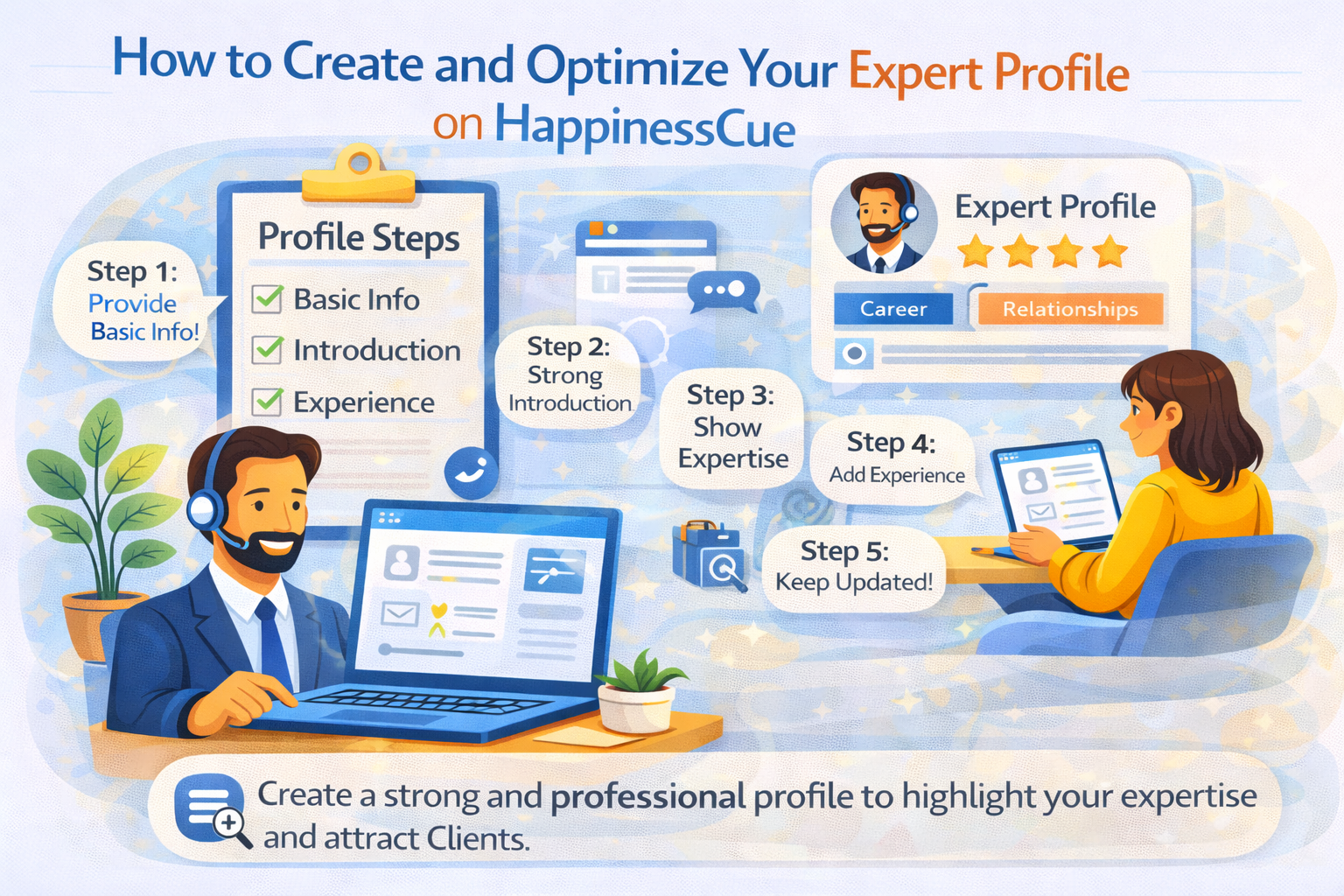
How to Create and Optimize Your Expert Profile on HappinessCue
Why Your Expert Profile Matters
Your Expert profile is one of the most important elements of your presence on HappinessCue.
Clients rely on your profile to understand:
- Your background and experience
- The areas where you provide guidance
- Your communication style and session offerings
A clear and well-structured profile helps Clients feel confident about booking a session with you.
Step 1: Provide Accurate Basic Information
When creating your Expert profile, begin with essential information about yourself.
This may include:
- Your name and professional background
- Areas of expertise or guidance topics
- Languages you can communicate in
- Session formats you offer (Chat, Call, Video)
Providing clear and accurate information helps Clients quickly understand your expertise.
Step 2: Write a Strong Profile Introduction
Your profile introduction is where you explain your approach and the kind of guidance you provide.
A good introduction should:
- Briefly explain your experience
- Describe the topics you can help with
- Communicate your approach to conversations
Try to keep the tone clear, authentic, and approachable so Clients feel comfortable connecting with you.
Step 3: Highlight Your Areas of Expertise
Clearly defining your expertise helps Clients find you more easily when searching on the platform.
You should:
- Select relevant guidance categories
- Focus on topics where you have genuine experience
- Avoid listing too many unrelated areas
A focused profile helps attract Clients who are specifically looking for your expertise.
Step 4: Add Experience and Background Details
Clients often review an Expert’s background before booking a session.
Your profile may include:
- Professional experience
- Relevant achievements or qualifications
- Practical insights gained through your work or life experience
Sharing your background helps establish credibility and trust.
Step 5: Keep Your Profile Updated
Your profile should evolve as your experience grows.
Experts are encouraged to:
- Update profile descriptions when needed
- Adjust expertise categories if necessary
- Review their session offerings periodically
Keeping your profile updated ensures that Clients see the most accurate representation of your expertise.
Step 6: Build Trust Through Quality Sessions
While a strong profile helps attract Clients, your reputation on the platform grows through positive session experiences.
Clients may leave ratings and reviews after sessions, which can influence how other users view your profile.
Providing thoughtful guidance and maintaining professionalism helps build a strong reputation over time.
Important Things to Remember
When creating your Expert profile:
- Be authentic and transparent about your experience
- Focus on areas where you can genuinely provide guidance
- Maintain a professional tone in your profile description
- Keep your profile updated as your expertise evolves
A well-maintained profile improves visibility and encourages more bookings.
Common Questions
Can I edit my Expert profile after creating it?
Yes. Experts can typically update their profile details through the dashboard or account settings.
How do Clients find my profile?
Clients can discover Experts by browsing categories, searching keywords, or reviewing recommended profiles.
Do profile reviews affect bookings?
Yes. Ratings and reviews can influence how other Clients perceive your profile.
Should I include all my experience in the profile?
You may highlight the most relevant experience that supports the guidance you offer on the platform.
Need Help Updating Your Profile?
If you need assistance with your Expert profile, you can:
- Visit the Expert Support section
- Explore related help articles
- Contact the HappinessCue support team for technical assistance