



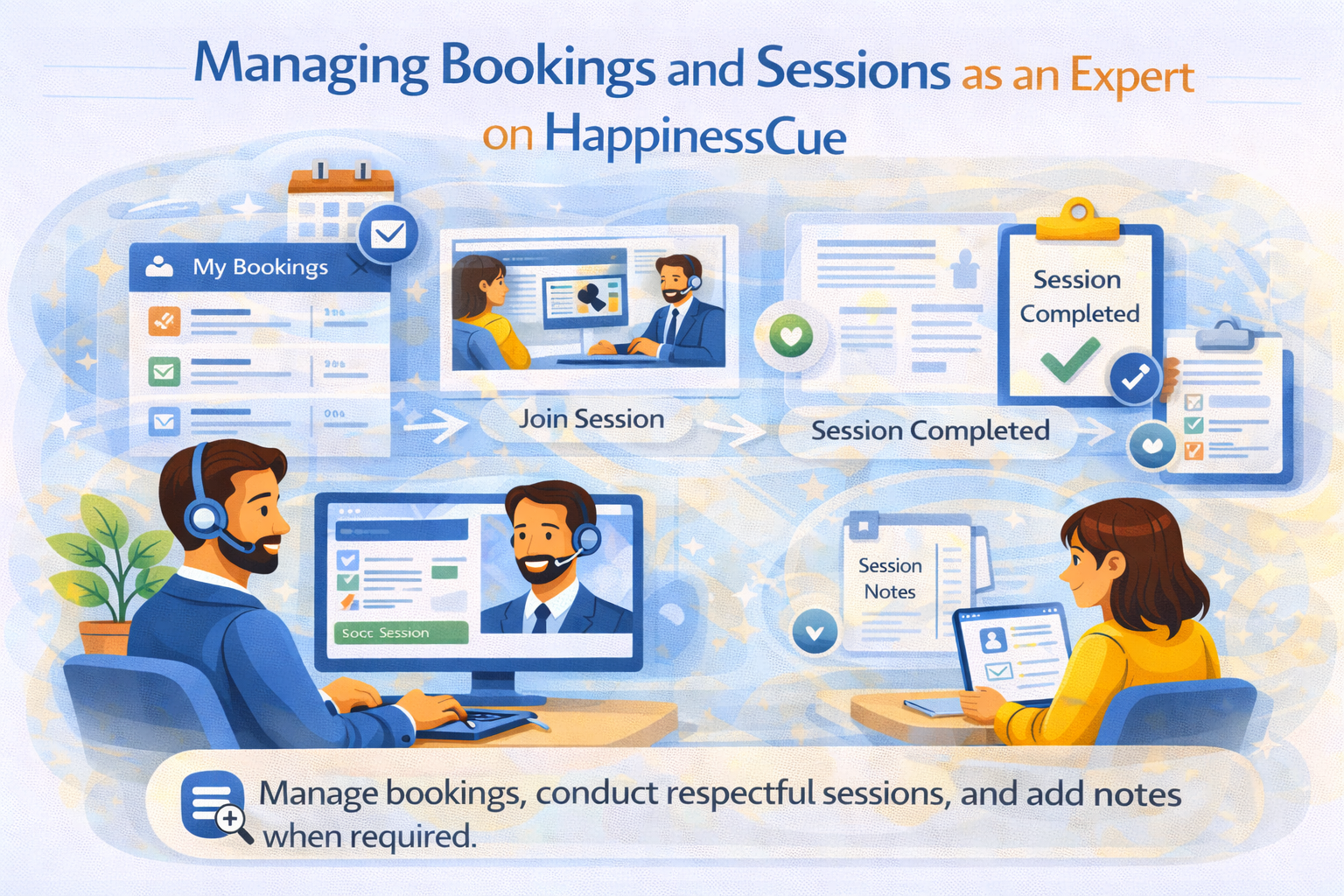
Managing Bookings and Sessions as an Expert on HappinessCue
Understanding the Booking and Session Flow
Once your Expert profile is approved and active on HappinessCue, Clients can book sessions based on your listed services and availability.
Each booking follows a structured process that ensures clarity for both the Client and the Expert.
This guide explains what happens before, during, and after a session so you can manage your bookings confidently.
Step 1: Receiving a Booking
Clients can book sessions directly through the platform using your listed services and available time slots.
Once a booking is confirmed:
- It appears in My Bookings on your Expert dashboard
- You may receive notifications via email or SMS
The booking entry typically shows details such as:
- Session date and time
- Service selected
- Session format (chat, audio, or video)
- Session duration
- Session price
Reviewing upcoming bookings regularly helps you stay prepared.
Step 2: Viewing Booking Details
By opening a booking in your dashboard, you can view important session information.
This may include:
- Service booked by the Client
- Scheduled session time
- Session mode (chat / audio / video)
These details allow you to understand the context of the session and prepare accordingly.
Step 3: Joining the Session
Experts should log in a few minutes before the scheduled session time.
To begin the session:
- Go to My Bookings
- Open the scheduled booking
- Click Join Session when the option becomes active
Joining on time ensures the Client receives the full session duration and maintains professionalism.
During the Session
Sessions on HappinessCue are meant to be respectful, focused conversations where Experts offer guidance based on their experience.
Experts are encouraged to:
- Listen carefully to the Client’s concerns
- Provide thoughtful insights and perspectives
- Stay within their declared areas of expertise
To maintain confidentiality and trust:
HappinessCue does not record sessions at any point.
Only basic booking information such as date, time, duration, expert name, and price is stored in the platform dashboard.
Step 4: Completing the Session
When the session ends:
- The booking status changes to Completed
- The session appears in your booking history
- Earnings for the session move into your pending earnings balance according to platform settlement rules.
Clients may also provide ratings or reviews after the session, which contribute to your overall profile credibility.
Step 5: Adding Session Notes
After completing a session, Experts may be required to add Session Notes.
Session Notes:
- Are linked to the specific booking
- Are visible to the related Client and Admin
- Serve as a general summary or follow-up guidance
Experts usually need to add these notes within a limited time window after the session.
Notes should remain:
- Professional
- Non-medical
- Non-prescriptive
Once submitted, notes are time-stamped and cannot be edited.
Handling No-Shows or Late Joins
Occasionally a Client may join late or fail to join the session.
In such cases:
- Wait for a reasonable time according to platform rules
- Continue the session for the remaining time if the Client joins late
Handling depends on the platform’s cancellation and booking policies.
Managing Booking Changes
Clients or Experts may sometimes request:
- Rescheduling
- Cancellation
Requests are handled according to the platform’s policies and may require approval depending on the timing of the request.
Always check your notifications to stay updated about booking changes.
Important Things to Remember
When managing bookings on HappinessCue:
- Keep your availability updated
- Join sessions on time
- Maintain professional and respectful communication
- Add Session Notes when required
- Follow the platform’s non-medical and ethical guidance policies
These practices help build strong ratings and improve your credibility on the platform.
Common Questions
How will I know when a session is booked?
Bookings appear in My Bookings on your dashboard and may trigger email or SMS notifications.
Are sessions recorded on HappinessCue?
No. Sessions are never recorded. Only booking details such as date, time, duration, and session information are stored.
What happens after a session ends?
The session is marked as Completed, and earnings move to your pending balance according to the payout cycle.
Do I need to add Session Notes after every session?
Session Notes may be required depending on platform rules and should usually be submitted within the allowed time window.
Need Help With Bookings?
If you face issues related to bookings or sessions, you can:
- Search for related articles in the Expert Support section
- Raise a Support Ticket from your Expert dashboard
- Contact the HappinessCue support team for assistance