



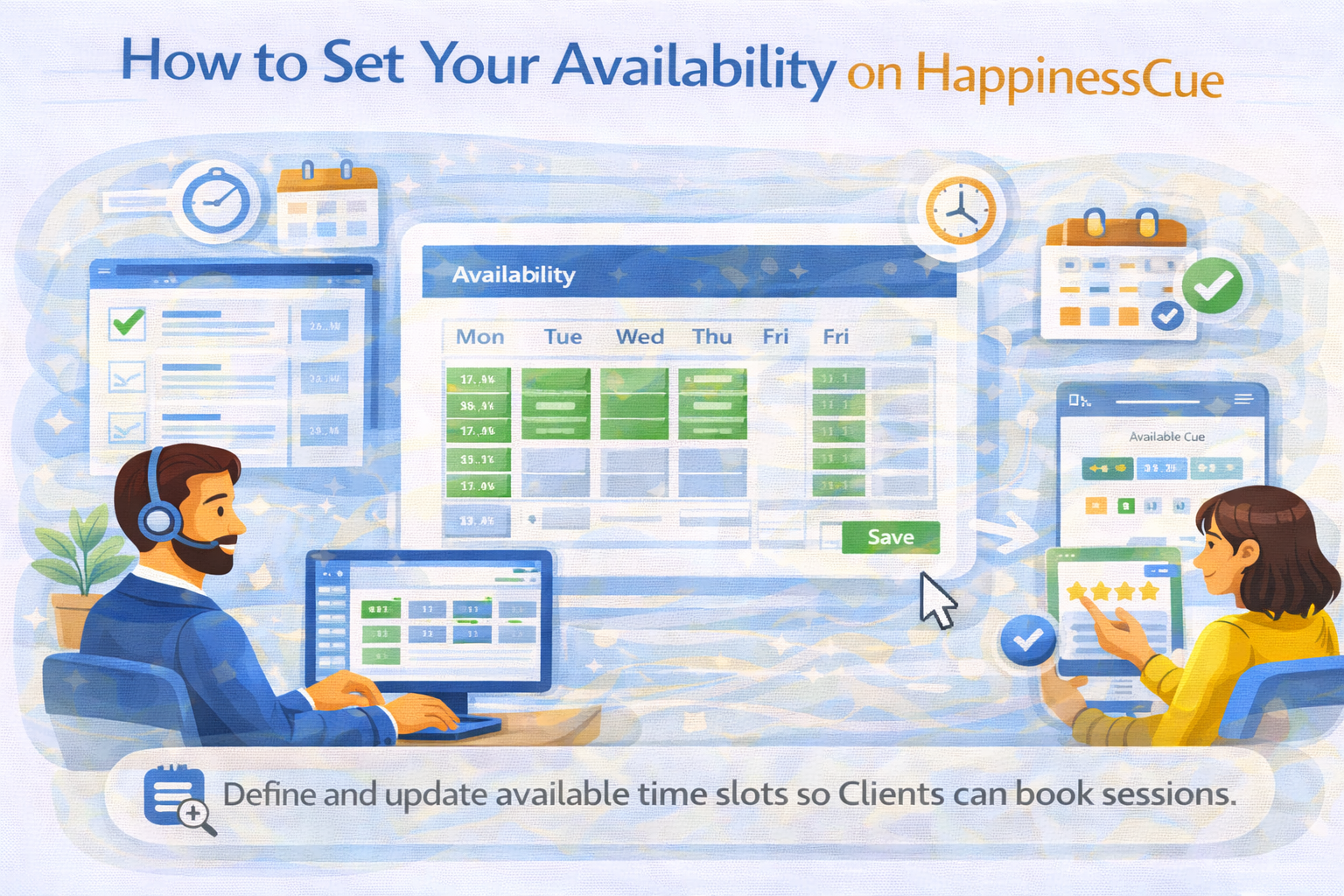
How to Set Your Availability on HappinessCue
Managing Your Availability on HappinessCue
Your availability on HappinessCue determines when Clients can schedule sessions with you.
By setting accurate availability, Experts can ensure that Clients only see time slots that match their schedule.
Keeping your availability updated helps avoid booking conflicts and allows Clients to plan sessions more easily.
Step 1: Access Your Availability Settings
To set your availability:
- Log in to your Expert dashboard
- Navigate to the Availability or Schedule section
This section allows you to define the time slots when you are available to conduct sessions.
Step 2: Select Your Available Days
Experts can choose the days they wish to offer sessions.
You may select:
- Specific weekdays
- Multiple days during the week
- Custom availability based on your schedule
Selecting appropriate days helps Clients easily identify when sessions can be booked.
Step 3: Define Time Slots
After selecting the available days, you can define the time slots during which you are available.
For example:
- Morning availability
- Afternoon sessions
- Evening sessions
Time slots should reflect the actual time you can dedicate to sessions.
Avoid selecting time periods where you may not be able to join reliably.
Step 4: Save and Update Your Schedule
Once your availability is configured:
- Save the settings in your dashboard
- The selected time slots will become visible to Clients
Clients will only be able to book sessions within the time slots you have defined.
Updating Your Availability
Experts can update their availability whenever required.
You may need to update your schedule if:
- Your routine changes
- You are unavailable on specific days
- You want to add more session hours
Keeping your availability updated helps ensure that bookings remain accurate.
Avoiding Scheduling Conflicts
To maintain a smooth session experience:
- Review your availability regularly
- Remove time slots when you are unavailable
- Join sessions on time once a booking is confirmed
Maintaining accurate scheduling helps build trust with Clients.
Important Things to Remember
When managing availability on HappinessCue:
- Clients can only book sessions during your listed time slots
- Updating availability helps prevent booking conflicts
- Joining sessions on time improves client experience and ratings
A well-managed schedule helps Experts maintain professionalism and consistency.
Common Questions
Can I update my availability anytime?
Yes. Experts can modify their availability through the dashboard whenever needed.
Will Clients see unavailable time slots?
No. Clients can only book sessions during the time slots you have marked as available.
What happens if I become unavailable after a session is booked?
In such cases, you may need to follow the platform’s rescheduling or cancellation procedures.
How often should I update my availability?
Experts are encouraged to review their availability regularly to ensure it reflects their actual schedule.
Need Help With Scheduling?
If you experience issues while setting your availability:
- Visit the Expert Support section
- Search for related articles about session management
- Contact the HappinessCue support team for assistance