



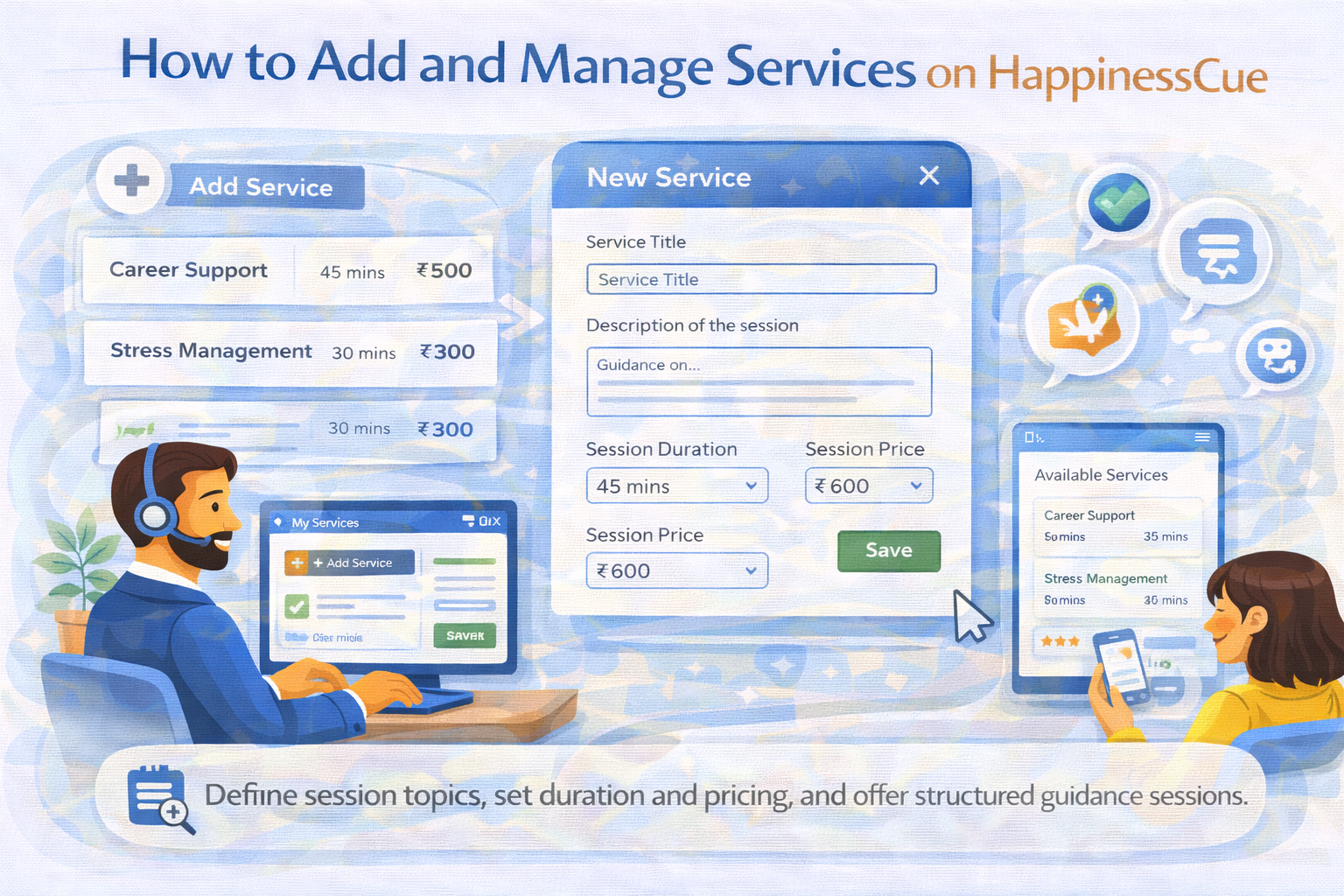
How to Add and Manage Services on HappinessCue
Understanding Services on HappinessCue
Services represent the types of sessions that Experts offer to Clients on the platform.
Each service helps Clients understand:
- The topic or area of guidance
- What they can expect from the session
- The duration and price of the session
Clearly defined services make it easier for Clients to choose the right session when booking with an Expert.
Step 1: Access the Services Section
To add or manage services:
- Log in to your Expert dashboard
- Navigate to the My Services section
This section allows you to create, update, or manage the services you offer to Clients.
Step 2: Add a New Service
When adding a service, you may need to provide details such as:
- Service title
- Description of the session
- Session duration
- Session price
The service description should clearly explain the kind of guidance or discussion Clients can expect during the session.
Well-written service descriptions help Clients make informed decisions.
Step 3: Set Session Duration and Price
Experts can define how long a session will last and the price for that service.
For example:
- 30-minute session
- 45-minute session
- 60-minute session
Pricing should reflect the time and expertise involved in the session.
Experts have flexibility in setting prices for their services.
Step 4: Save and Publish the Service
Once the service details are completed:
- Save the service in your dashboard
- The service becomes visible to Clients browsing your profile
Clients can then select the service when booking a session with you.
Updating or Managing Existing Services
Experts may update services whenever necessary.
You may choose to update services if:
- You want to modify session pricing
- You want to change the session description
- You want to adjust session duration
Keeping your services updated ensures that Clients always see accurate information.
Maintaining Clear Service Descriptions
A good service description should:
- Clearly explain the focus of the session
- Avoid exaggerated or misleading claims
- Reflect your genuine expertise
Accurate service descriptions help build trust and improve booking conversions.
Important Things to Remember
When managing services on HappinessCue:
- Services define how Clients understand your offerings
- Clear descriptions help attract the right Clients
- Pricing and duration can be adjusted through the dashboard
- Services should align with your areas of expertise
Well-defined services improve the overall booking experience.
Common Questions
Can I offer multiple services?
Yes. Experts may create multiple services depending on their areas of expertise.
Can I change the price of a service later?
Yes. Service pricing can be updated through the dashboard.
Will Clients see all my services on my profile?
Yes. Active services are typically visible on your Expert profile.
Can I remove a service?
Yes. Experts can edit or remove services depending on platform settings.
Need Help Managing Services?
If you experience issues while adding or updating services:
- Visit the Expert Support section
- Search for related help articles
- Contact the HappinessCue support team for assistance