



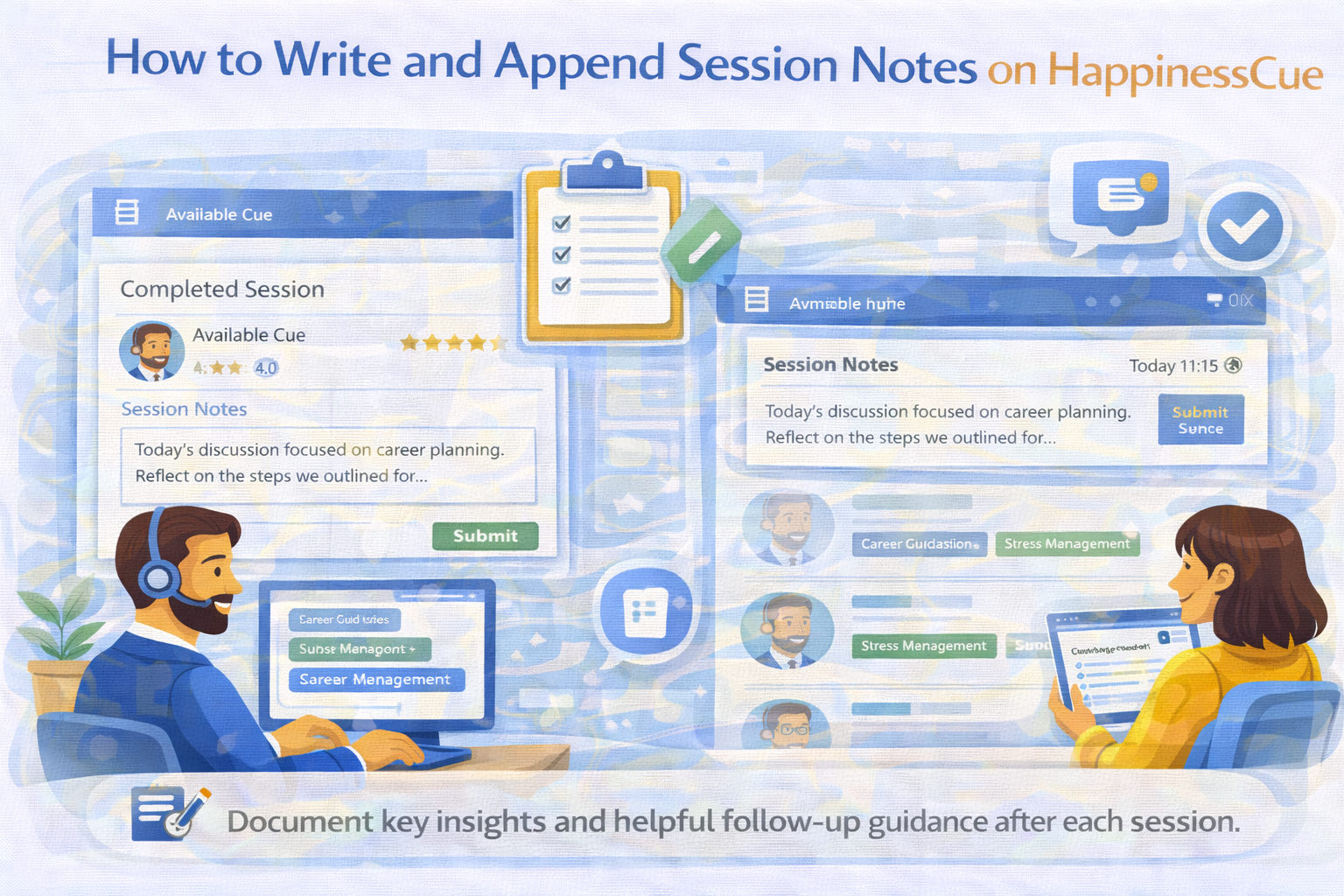
How to Write and Append Session Notes on HappinessCue
Understanding Session Notes
Session Notes allow Experts to document a brief summary or key insights from a completed session.
These notes help:
- Provide a structured recap of the discussion
- Offer helpful follow-up guidance to the Client
- Maintain clarity about what was discussed during the session
Session Notes are linked directly to the specific booking and become part of the session record.
When Session Notes Should Be Added
After a session is completed, Experts may be required to submit Session Notes within a limited time window.
Typically:
- Notes are added after the session ends
- The system may allow submission within a defined timeframe
Submitting notes promptly helps ensure the information remains relevant and accurate.
Step 1: Access the Completed Session
To add Session Notes:
- Log in to your Expert dashboard
- Navigate to My Bookings or Session History
- Select the completed session for which notes need to be added
The session page will display the option to add Session Notes.
Step 2: Write the Session Notes
When writing Session Notes, focus on summarizing key aspects of the discussion.
Helpful elements may include:
- Main topics discussed during the session
- Key insights or perspectives shared
- General follow-up suggestions for reflection
Session Notes should remain clear, concise, and professional.
Step 3: Submit the Notes
Once the notes are written:
- Review the content carefully
- Submit the notes through the platform interface
After submission, the notes are typically time-stamped and stored with the session record.
Editing Session Notes
In most cases:
- Session Notes cannot be edited after submission
This ensures the integrity of the session documentation.
Experts are therefore encouraged to review their notes carefully before submitting them.
Who Can View Session Notes
Session Notes are usually visible to:
- The Client who attended the session
- The platform administration team
They are linked only to that specific session and are not displayed publicly.
Maintaining Professional Documentation
When writing Session Notes:
- Avoid including sensitive personal information unnecessarily
- Do not make medical, legal, or diagnostic statements
- Maintain a neutral and supportive tone
These practices help maintain professionalism and clarity.
Important Things to Remember
When adding Session Notes on HappinessCue:
- Notes should be submitted soon after the session
- Notes become part of the session record
- Submitted notes are generally not editable
- Documentation should remain respectful and professional
Clear notes improve the Client’s overall experience.
Common Questions
Are Session Notes mandatory for every session?
This may depend on platform policies and session requirements.
Can I edit notes after submission?
No. Once submitted, notes are usually time-stamped and cannot be modified.
Can other Clients see my notes?
No. Notes are linked only to the specific session and are visible only to the relevant Client and platform administrators.
Do Session Notes replace the session conversation?
No. They only provide a summary or recap of the session.
Need Help With Session Notes?
If you experience issues while adding Session Notes:
- Visit the Expert Support section
- Search for related help articles
Contact the HappinessCue support team for assistance