



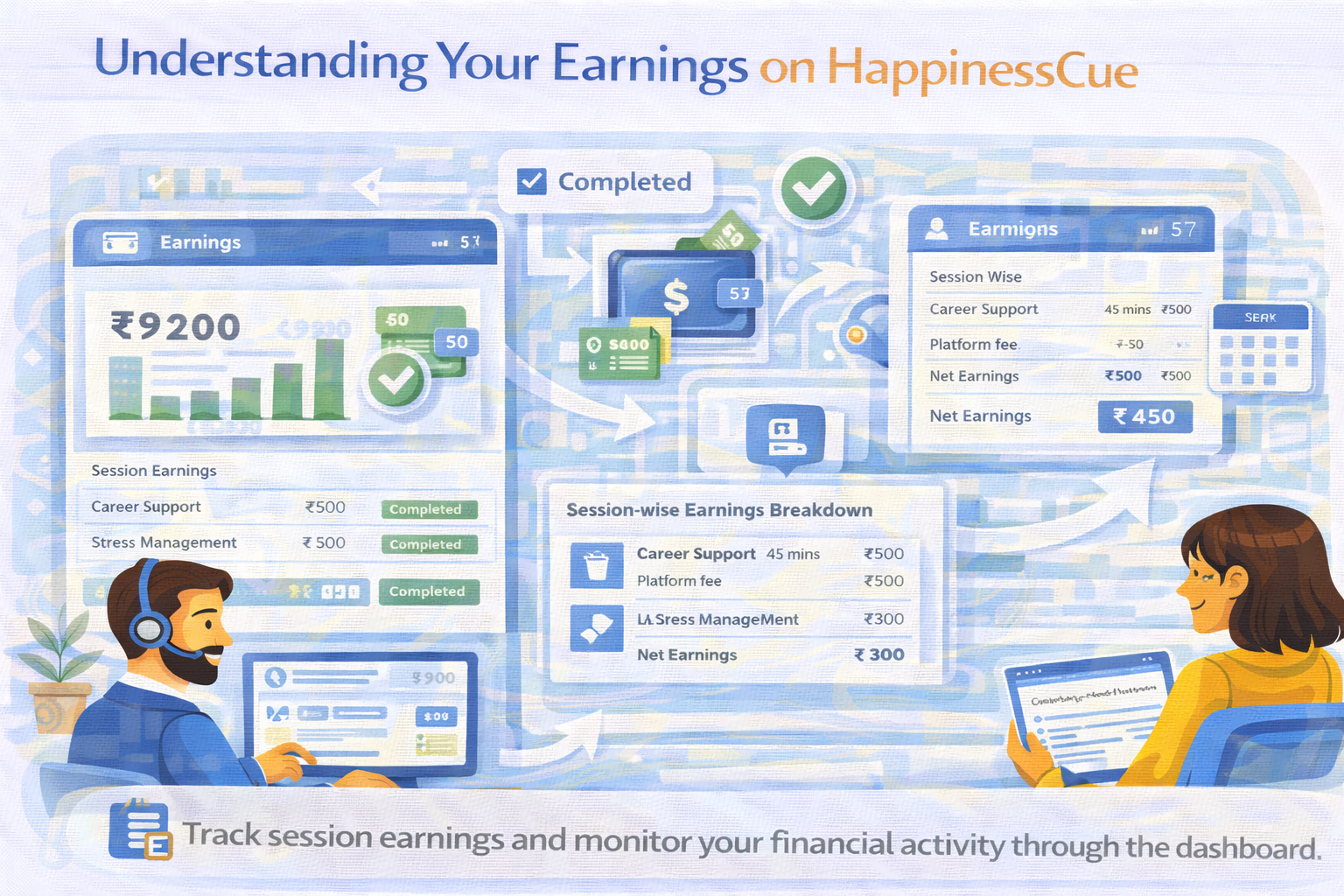
Understanding Your Earnings on HappinessCue
How Earnings Work on HappinessCue
Experts on HappinessCue earn through paid sessions booked by Clients on the platform.
Each completed session generates earnings based on the service price set by the Expert, after applicable platform fees and deductions.
Understanding how earnings appear in your dashboard helps you track your performance and financial activity on the platform.
When Earnings Are Generated
Earnings are typically generated after a session has been successfully completed.
Once a session ends:
- The session status changes to Completed
- The system calculates the earnings for that booking
- The amount is reflected in your earnings dashboard
This allows Experts to maintain a clear record of their session income.
Viewing Your Earnings Dashboard
Experts can monitor their earnings directly from their dashboard.
The earnings section may display information such as:
- Total earnings from completed sessions
- Pending payouts awaiting settlement
- Settled payouts transferred to the bank account
- Session-wise earning breakdown
This dashboard provides a transparent overview of your activity on the platform.
Session-Level Earnings Breakdown
For each completed session, Experts may be able to view detailed information including:
- Service name or session type
- Session duration
- Session price
- Applicable deductions
- Net earnings credited
This breakdown helps Experts understand how the final payout amount is calculated.
Tracking Earnings Over Time
Experts can also use the dashboard to review their earnings history.
This may include:
- Daily or weekly earnings activity
- Session history linked to payments
- Total earnings across multiple sessions
Tracking earnings over time helps Experts understand their performance and engagement on the platform.
Difference Between Earnings and Settlements
It is important to understand the difference between earnings and payout settlements.
- Earnings refer to the amount generated from completed sessions
- Settlements refer to the transfer of funds to the Expert’s registered bank account
Settlement timelines follow the platform’s payout schedule, which may occur within a few business days after session completion.
Important Things to Remember
When reviewing your earnings on HappinessCue:
- Earnings appear after a session is completed
- The dashboard shows both pending and settled payouts
- Deductions and fees are applied according to platform policies
- Earnings records help track your overall performance
Maintaining awareness of your earnings helps Experts manage their financial activity more effectively.
Common Questions
Where can I see my earnings on the platform?
Your earnings can be viewed in the Earnings section of your Expert dashboard.
When do earnings appear in my dashboard?
Earnings are typically reflected after a session is marked as completed.
Are earnings the same as payouts?
No. Earnings represent session income, while payouts refer to the transfer of funds to your bank account.
Can I see earnings for each session separately?
Yes. Experts can usually view session-wise earnings details in the dashboard.
Need Help With Earnings?
If you experience issues related to earnings or payouts:
- Visit the Expert Support section
- Search for related help articles
- Contact the HappinessCue support team for assistance