



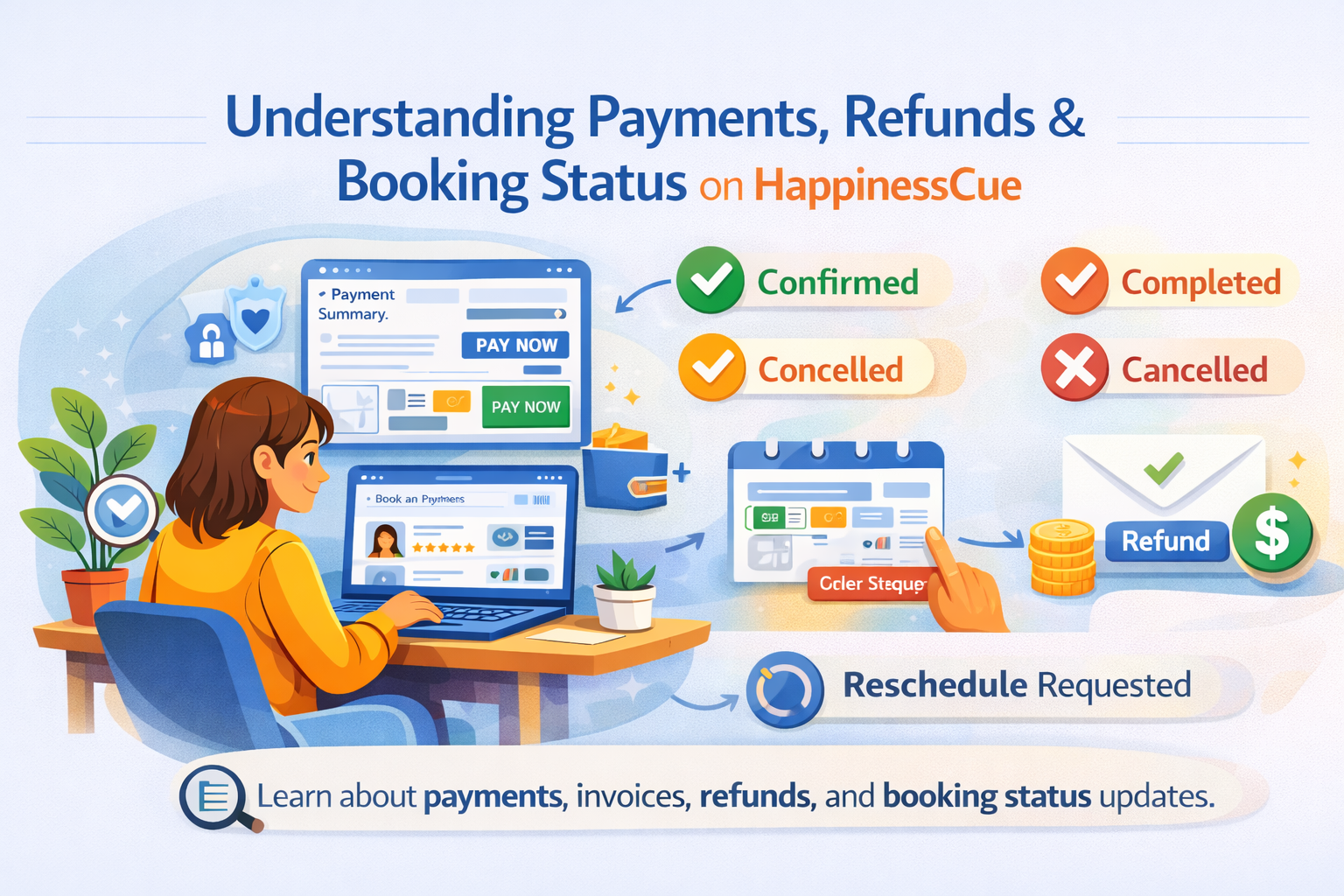
Understanding Payments, Refunds & Booking Status on HappinessCue
Understanding Payments and Booking Status on HappinessCue
HappinessCue uses a secure and transparent payment system to confirm session bookings and manage transactions between Clients and Experts.
When you book a session, the payment process ensures that the session is scheduled properly and that both parties have clarity about the booking.
This guide explains how payments work, what different booking statuses mean, and how refunds are handled when applicable.
Making a Payment
How do I pay for a session?
When booking a session, you will see a payment summary at checkout.
This summary usually includes:
- Session details
- Total price
- Applicable taxes (if any)
- Final payable amount
You can complete the payment using the available online payment options displayed on the platform.
Is payment required to confirm a booking?
Yes.
A session booking is confirmed only after successful payment.
If payment is not completed, the session slot will not be reserved and the booking will remain incomplete.
Can I apply coupons or credits?
If your account has:
- Coupons
- Referral benefits
- Wallet credits
You may be able to apply them during checkout according to the platform’s rules and eligibility conditions.
Understanding Booking Statuses
Your booking may display different statuses depending on the stage of the session.
Confirmed
The payment has been successfully processed and the session is scheduled.
Completed
The session has taken place successfully and is recorded as completed on the platform.
Cancelled
The booking has been cancelled according to platform policies.
Cancellation may be initiated by the Client, the Expert, or the platform administrator depending on the circumstances.
Reschedule Requested
A request has been submitted to change the session time and is awaiting approval or action.
Once approved, the booking will update to the new scheduled time.
Invoices and Payment Records
HappinessCue provides invoices for completed bookings.
Where can I view my invoice?
You can access your invoice by:
- Going to My Bookings
- Opening the Booking Details page for the session
From there, you may be able to view or download the invoice.
What information is included in the invoice?
Invoices may contain details such as:
- Booking reference number
- Session information
- Payment amount
- Applicable taxes
- Payment date
This information helps maintain transparency and transaction records.
Refunds – What You Should Know
Refund eligibility depends on several factors, including cancellation timing and platform policies.
When am I eligible for a refund?
Refunds may apply when cancellations are made according to the platform’s cancellation rules shown during booking.
Eligibility depends on:
- Time remaining before the session
- Applicable booking policies
- Specific conditions shown during checkout
Are all cancellations refundable?
No.
Some cancellations may not qualify for refunds, particularly in cases such as:
- Late cancellations
- Missed sessions (no-shows)
Clients are encouraged to review cancellation policies carefully before booking.
How are refunds processed?
If a refund is approved:
- It is usually processed through the original payment method used during checkout
This ensures secure and traceable transactions.
How long does a refund take?
Refund timelines can vary depending on:
- The payment gateway used
- Your bank or payment provider
In most cases, refunds are processed within the standard timelines of the payment provider.
Payment Issues and Failures
What happens if my payment fails?
If a payment fails:
- The booking will not be confirmed
- You may retry the payment using the available options
The session slot will only be secured after successful payment.
I was charged but my booking is not confirmed. What should I do?
In rare cases where a payment appears deducted but the booking is not confirmed:
- Please raise a support request
- Include your payment reference number
The HappinessCue support team will review the transaction and assist accordingly.
Important Things to Remember
When making payments on HappinessCue, keep these key points in mind:
- Payments are required to confirm session bookings
- Refund eligibility depends on cancellation policies
- Not all cancellations automatically qualify for refunds
- Premium members may have additional flexibility depending on their plan
These rules help maintain fairness and transparency across the platform.
Common Questions
Can I see all my past payments?
Yes. Your booking history and related payment details are available in the My Bookings section.
Will I receive an invoice for my session?
Yes. Invoices can usually be accessed from the booking details page.
What happens if my refund is delayed?
Refund timelines depend on banks and payment providers. If the delay exceeds the expected timeline, you can contact support.
Can I pay later for a session?
No. Payment must be completed during booking to confirm the session.
Need Help With Payments?
If you experience any issues related to payments, refunds, or invoices, you can:
- Visit the Support section for related help articles
- Raise a support ticket from your dashboard
- Contact the HappinessCue support team for assistance